Your Windows 11 PCs May Stop Getting Security Patches Sooner Than You Think
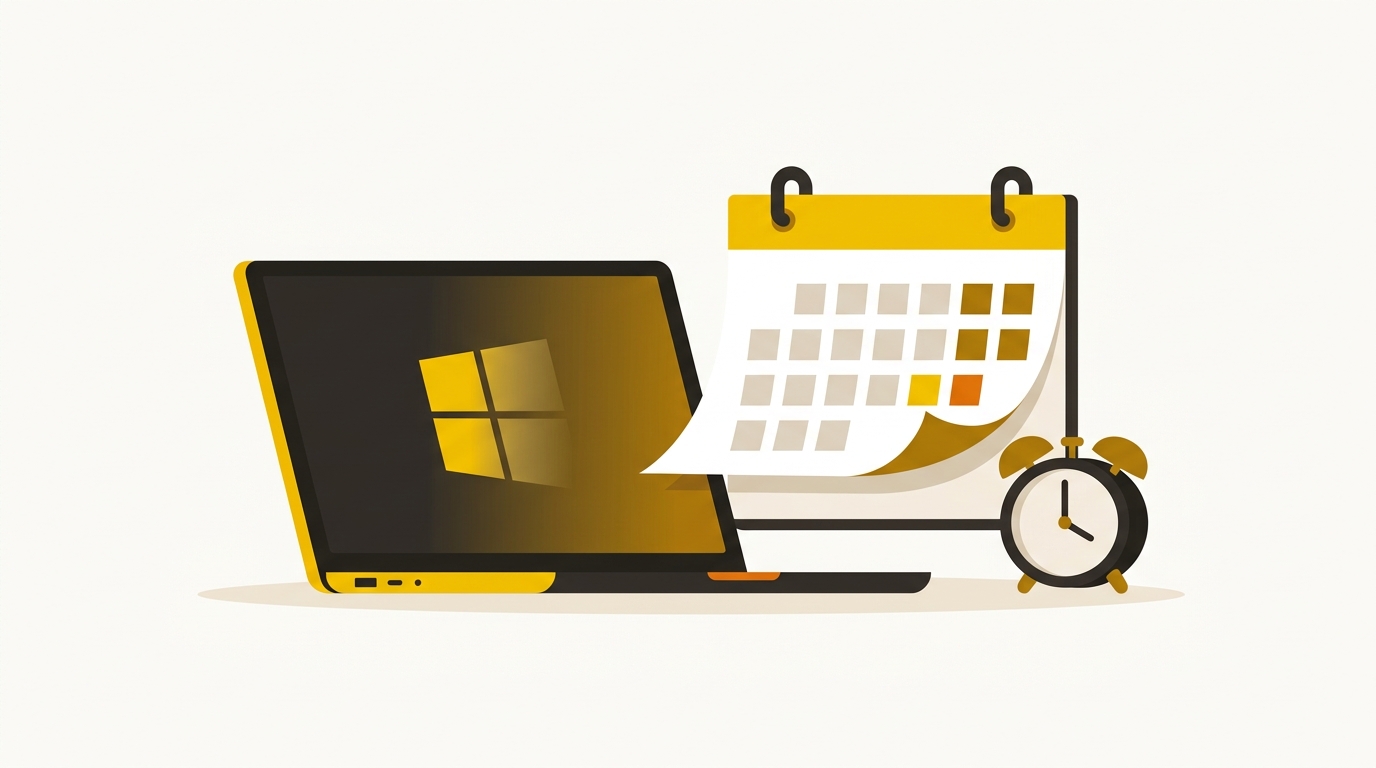
Microsoft is ending support for Windows 11 version 24H2 on Home and Pro editions on October 13, 2026. When that happens, those machines stop receiving security updates. No patches, no fixes, no protection against new vulnerabilities. The computers don’t break, but they become a liability sitting on your network.
If you’re running a small or mid-size business in New Jersey or New York, this is worth paying attention to now, not the week it happens.
What “End of Support” Actually Means in Practice
I want to be specific here because the phrase gets thrown around loosely. When a Windows version goes out of support, Microsoft stops releasing cumulative updates for it. That includes security patches. So if a zero-day exploit hits Windows in month three after the deadline, your machines on 24H2 won’t get the fix. Ever.
Attackers know these timelines. They track end-of-support dates and sometimes hold vulnerabilities specifically to exploit machines that are no longer being patched. It’s not paranoia, it’s documented behavior going back to Windows XP and Windows 7.
For a business handling client data, financial records, or anything covered by compliance requirements like HIPAA or PCI DSS, running an unsupported OS version isn’t just a tech problem. It’s a compliance problem.
Why This Catches Businesses Off Guard
Most small businesses aren’t running a single Windows version across all their machines. They’ve got a mix. Some laptops updated automatically to 24H2, some are still on 23H2, maybe one old workstation is still on Windows 10. Nobody sat down and mapped it out.
That’s the real issue. It’s not that business owners are careless. It’s that Windows version management isn’t visible unless someone is actively watching it. Without a tool like Intune or Windows Update for Business pushing updates and reporting on compliance, you’re essentially flying blind.
In plenty of businesses the owner assumes everything is current because “Windows updates itself.” Sometimes it does. Sometimes a machine misses a feature update because of a driver conflict, a low-disk-space error, or a policy someone set years ago and forgot about. That machine just sits there, quietly falling behind.
What You Should Do Before the Deadline
First, find out what version of Windows is actually running on each machine in your office. On any Windows PC, you can check this by pressing the Windows key, typing “winver,” and hitting Enter. It’ll show you the exact version and build number. If you see 24H2 anywhere, that machine needs to move to the next supported version before support ends.
The current path forward is upgrading to the next Windows 11 feature update. Microsoft releases these annually, and the newer version will carry its own support window, typically 24 months for Home and Pro editions. The upgrade itself usually takes 30 to 60 minutes and shouldn’t require new hardware if the machine already runs 24H2.
If you have more than a handful of machines, doing this manually is tedious. Intune or Windows Update for Business lets you deploy feature updates across your fleet from a central dashboard, set deadlines, and confirm which devices have actually completed the update. That’s the right way to manage this at scale, even for a 20-person office.
Don’t Let This Become a Pattern
The frustrating part of Windows lifecycle management is that it keeps moving. Microsoft releases a new feature update roughly every 12 months, and Home and Pro editions get about two years of support per version. That means if you’re not actively tracking versions, you’ll hit this same situation again next year with a different version number.
Building a simple process around this isn’t complicated. Know what’s running on your machines, know the support dates, and have a plan to update before deadlines hit. That’s it. The hard part is actually having someone responsible for watching it.
If you’re not sure where your business stands on this, Exine works with NJ and NYC businesses to keep exactly this kind of thing from slipping through the cracks.