
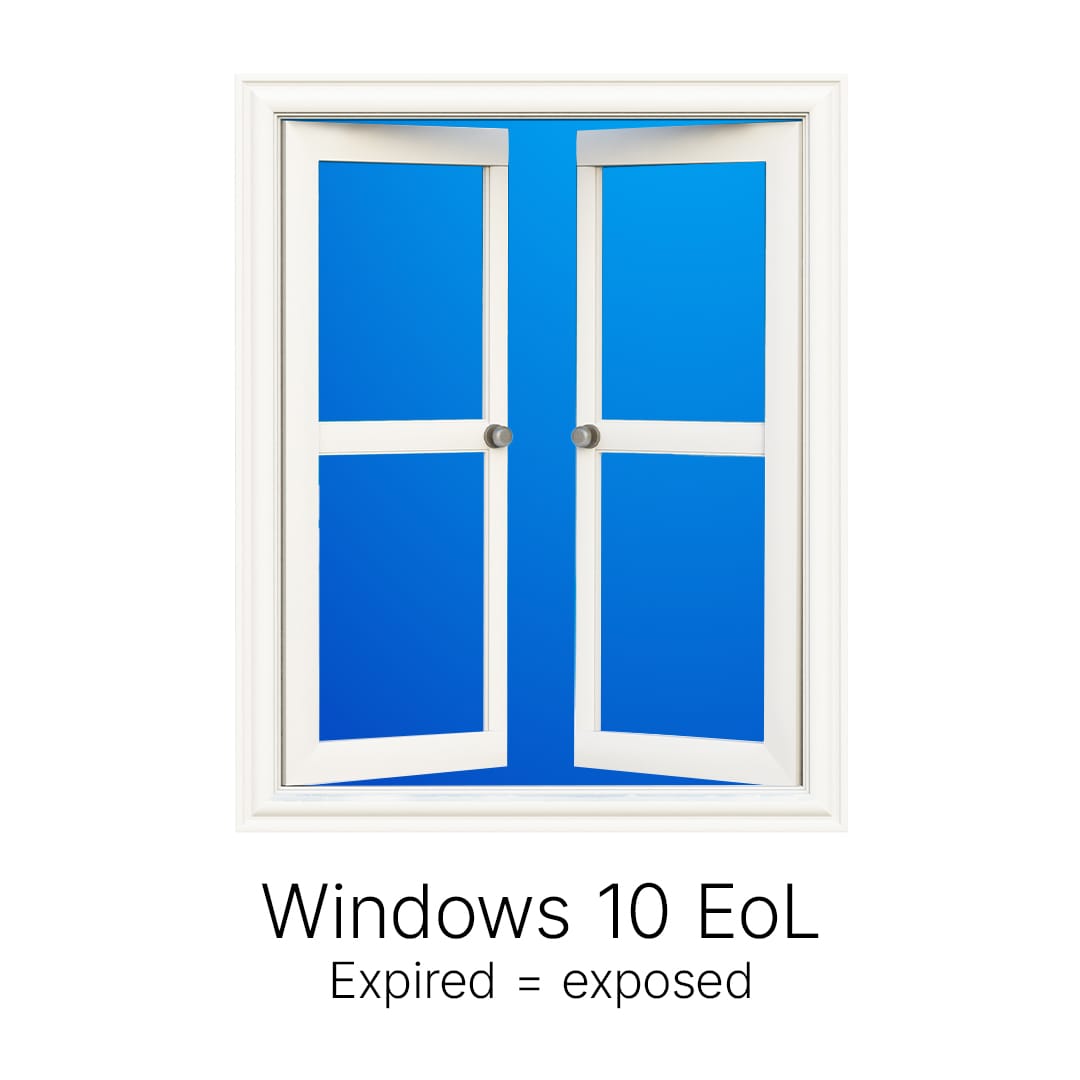
Windows 10 reached end of life on October 14, 2025. Microsoft stopped shipping free security updates, feature updates, and technical support that day. If you are still running it, the machine still turns on, but every new vulnerability found from here on goes unpatched. Here is what that means and what to do now.
What end of life actually changes
The PC keeps working. What stops is the security patching. Every month brings new Windows vulnerabilities, and on Windows 10 those now stay open. For a business that is both a security risk and a compliance one: many cyber insurance policies and standards like HIPAA expect supported, patched systems. An unsupported OS can quietly put a claim or an audit at risk.
Your three options
- Upgrade to Windows 11. If a PC meets the requirements, TPM 2.0 and a supported processor, the upgrade is free and the cleanest path. Most business machines from the last few years qualify.
- Replace the hardware. Older PCs that fail the Windows 11 check cannot upgrade. For those, a new machine is usually cheaper than nursing an unsupported one, and you get the security and the speed along with it.
- Buy Extended Security Updates. Microsoft sells ESU as a paid bridge that keeps security patches coming for a limited time. It is a stopgap for machines you genuinely cannot move yet, not a long-term plan, and the price climbs each year.
A free tweak a lot of people miss
Here is the case worth checking. If a Windows 10 machine is on a personal Microsoft account, you can still turn on free security updates that run through October 12, 2027. Microsoft gives you three ways in: turn on Windows Backup and sync your settings for free, spend 1,000 Microsoft Rewards points, or pay 30 dollars once. One enrollment covers up to ten devices. The PC has to be on Windows 10 version 22H2 and signed in with a Microsoft account.
The catch for businesses: that free route is for personal accounts. Domain-joined and Intune-managed PCs do not qualify. Those need the paid commercial ESU, which starts around 61 dollars per device and doubles every year. And either way, consumer updates stop for good on October 12, 2027. It buys you time to plan, not a way to stay on Windows 10.
From here that is about a year, not a long runway. But if you are stuck on Windows 10 and still deciding what to do, it is a small click worth making. Use the time to upgrade or replace on your terms, before the window closes.
Running Windows 10 on a home or personal PC instead? I wrote a plain-English, step-by-step guide for the free consumer route here: how to get free Windows 10 security updates at home.
What to do now
- Inventory every Windows 10 machine you still have.
- Check which ones can upgrade to Windows 11 and which cannot.
- Upgrade the eligible ones, plan replacements for the rest, and use ESU only to cover anything stuck in the meantime.
If you are not sure which of your machines are still on Windows 10 or which can take Windows 11, that is exactly the kind of audit I run. We sort the fleet, upgrade what can move, and replace what cannot, without a scramble.