A Small Feature That Fixes a Real Frustration
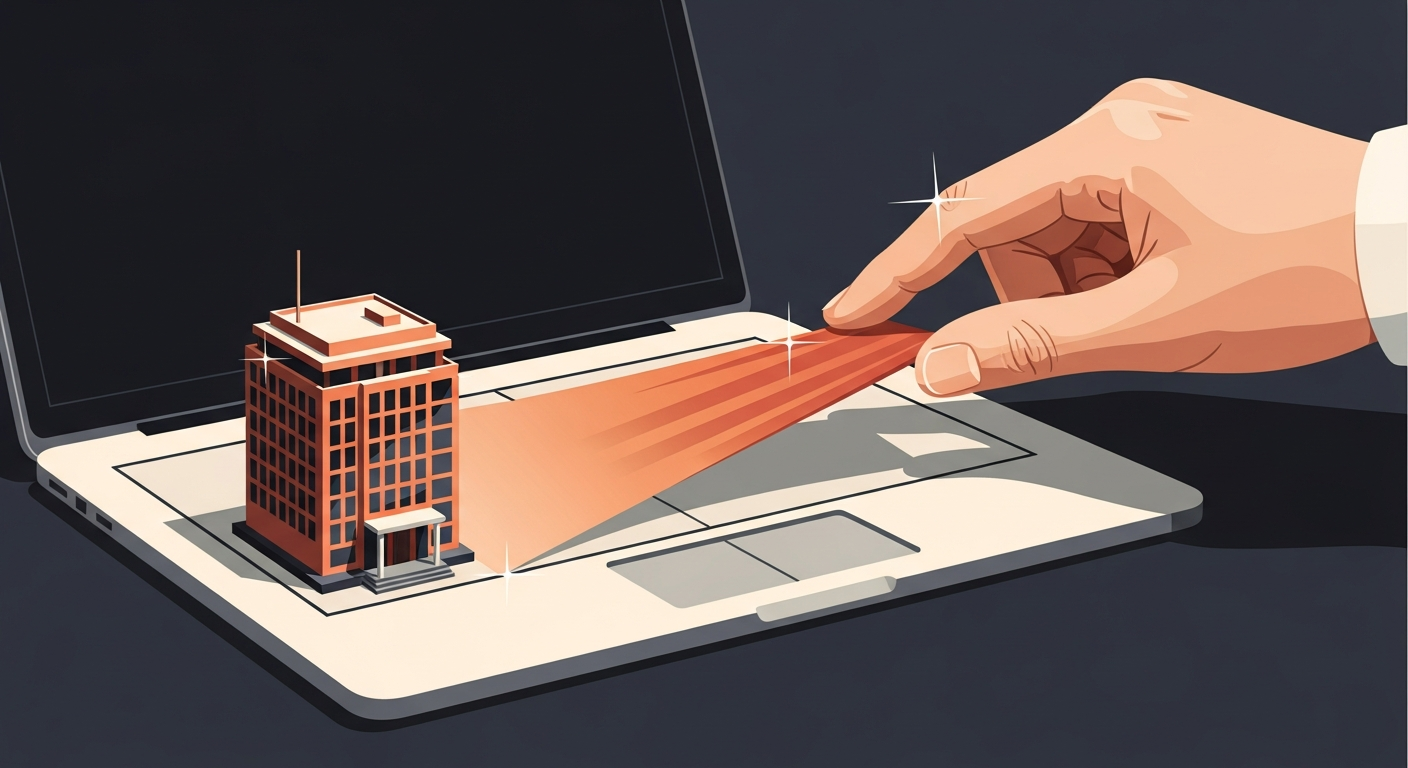
If you’ve ever watched someone accidentally right-click when they meant to left-click on a laptop touchpad, you know how annoying that gets. It breaks focus, it interrupts work, and on a busy day it adds up. Microsoft’s July 2026 Patch Tuesday update quietly fixes this with a simple but genuinely useful setting: you can now resize the right-click zone on your touchpad, choosing from Default, Small, Medium, or Large inside Windows Settings.
That’s it. No registry edits, no third-party drivers, no IT ticket required. It’s just there now.
Who Actually Benefits From This
I’ve seen this matter most in a few specific situations. Sales reps who live in CRM tools and are moving fast through records. Accountants working in Excel on a 14-inch laptop without a mouse nearby. Anyone who got a new laptop and the touchpad feels slightly different from their old one.
Bigger right-click zones help people with larger hands or those who tend to rest fingers toward the bottom corner of the pad. Smaller zones help people who keep triggering context menus by accident. Neither is wrong. It just depends on the person and the device.
For a team of 20 or 30 people, even a small reduction in accidental clicks and lost context adds real time back to the day.
What Your IT Person Needs to Know
If you manage devices through Intune or a similar MDM platform, this setting is user-configurable from Settings, so most people can handle it themselves once they know it exists. There’s no Group Policy object to push, at least not yet, and the setting requires the July 2026 Patch Tuesday update to be installed.
That means if your Windows Update for Business rings are delayed, some machines won’t see this for a few weeks. That’s fine. It’s not a security patch, so there’s no urgency. But it’s a good reminder that keeping devices reasonably current means your team gets quality-of-life improvements like this without anyone having to chase them down.
If you’re still running a mix of Windows 10 and Windows 11 across your fleet, this is a Windows 11 only feature. One more small reason to finish that migration if you haven’t already. Windows 10 reaches end of support in October 2025, so the clock has been ticking for a while.
How to Find the Setting
For anyone who wants to try it right now, it’s under Settings, then Bluetooth and devices, then Touchpad, then Scroll and zoom or the main Touchpad section depending on your build. Look for right-click zone size. Pick what feels right, test it for a day, adjust if needed. Takes about 30 seconds.
Worth sending a quick note to your team so they know it exists. Most people won’t go looking for it on their own.
The Bigger Point About Windows Updates
Features like this get bundled into monthly Patch Tuesday updates alongside security fixes. That’s actually a good thing, because it means you’re not running separate feature update cycles on top of your security patching. One update, both purposes covered.
The catch is that businesses sometimes delay or skip updates because they’re worried about something breaking. That’s a legitimate concern, especially if you’re running older line-of-business software. But blanket update avoidance means you miss security patches too, which creates a much bigger problem than a broken plugin.
A sensible update strategy tests patches on a small pilot group first, then rolls out to the broader fleet within two to three weeks. That gives you a safety window without leaving machines exposed for months.
What to Do Right Now
Check that your devices are running the July 2026 cumulative update. Tell your team the touchpad setting exists. If you’re still on Windows 10, start planning that migration seriously before support ends.
If your update process feels like a mess or you’re not sure what’s actually installed across your fleet, that’s something Exine can help you get a handle on.