Every business eventually has to retire a server. Old hardware, an operating system that is out of support, or a move to the cloud all get you there. Done carelessly, decommissioning leaves company data on a drive in a recycling bin. Done right, it is quiet and clean. Here is how I handle it, and the mistakes that cause trouble.
Why servers get retired
- End of support. Windows Server 2012, for example, no longer gets patches.
- Aging hardware. Old boxes cost more to run, draw more power, and fail more often.
- Cloud migration. The workload moved to Azure or AWS and the server is just sitting there.
- Cost. You stop paying for power, licenses, and maintenance on something nobody uses.
What goes wrong when you rush it
- Data exposure. Pull a drive without wiping it and sensitive data walks out the door.
- Compliance gaps. HIPAA, GDPR, and SOC 2 want proof the data was destroyed.
- Hidden costs. Licenses and warranties you forgot to cancel keep billing.
- Downtime. Kill a server before checking what depends on it and something breaks.
How I do it
- Document the server: roles, IP addresses, licenses, and what depends on it.
- Check dependencies. Confirm nothing is still talking to it.
- Take a final backup and verify it actually restores.
- Wipe the drives to a NIST standard, or physically destroy them.
- Remove it from Active Directory and reclaim the licenses.
- De-rack it and recycle through a certified e-waste partner.
A recent job
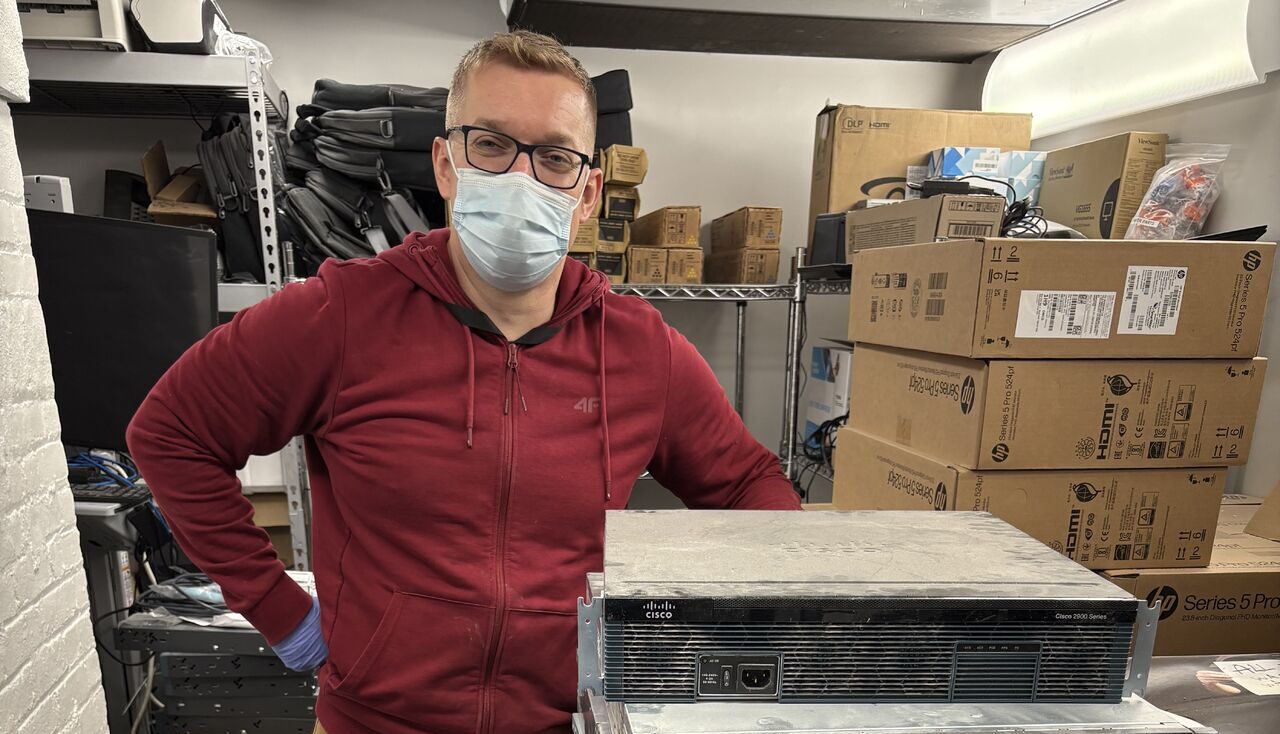
I recently retired a stack of Dell, HP, IBM, and Cisco servers for a client. Once the workloads were running on a hybrid setup, I wiped every drive, pulled the hardware, and documented the whole thing for their compliance file. Zero downtime, and they walked away with a cheaper, safer environment.
If you have legacy servers to retire and want it done without leaving a security hole, that is the kind of work I do.