If You Have Ubiquiti Gear on Your Network, Pay Attention
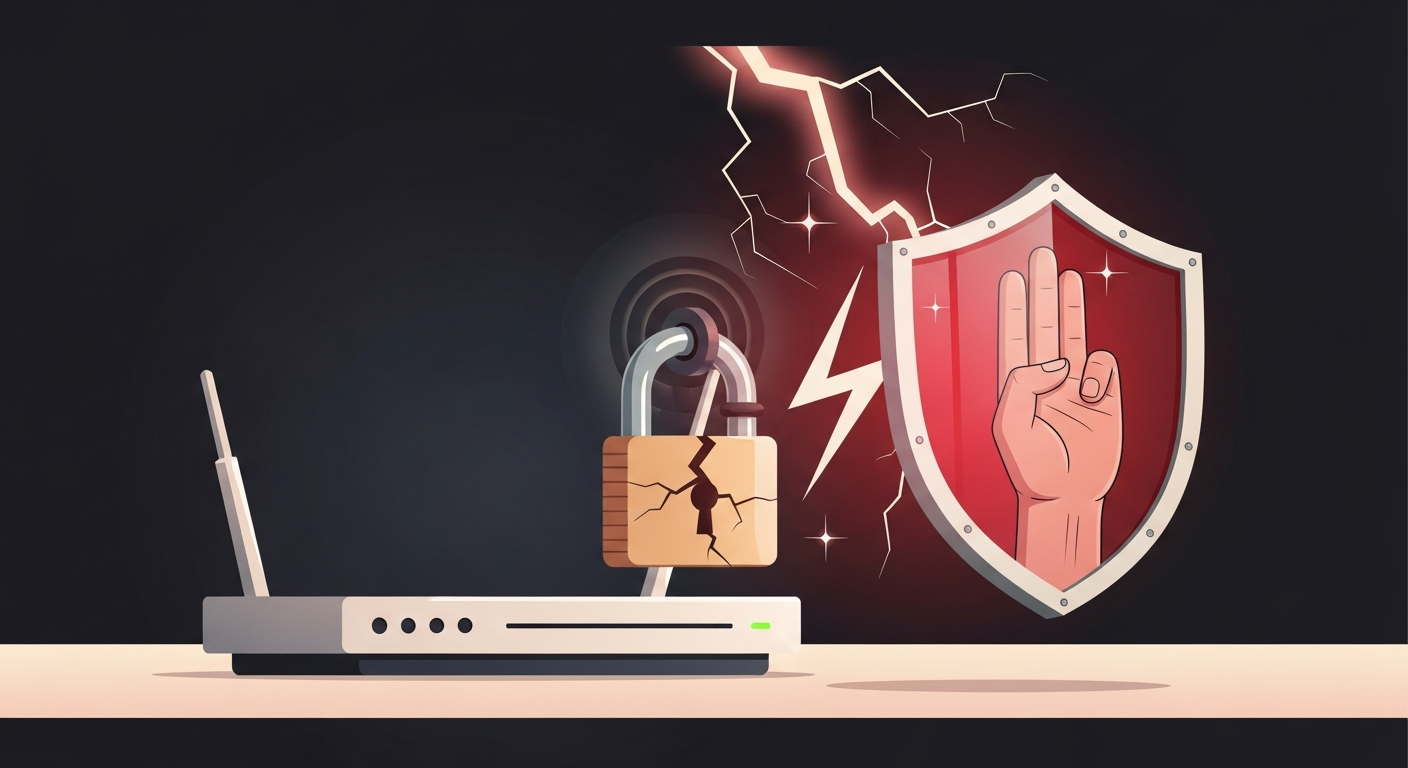
Ubiquiti just pushed security patches for seven vulnerabilities in UniFi OS, and one of them is rated maximum severity. That’s not a phrase vendors throw around lightly. A max-severity flaw means an attacker can potentially take full control of the device without needing much in the way of credentials or complexity.
The specific issue involves command injection. In plain terms, it lets a bad actor feed malicious commands directly to the device’s operating system. If your UniFi controller or gateway is exposed in the wrong way, that’s a very short path to owning your entire network.
Who Actually Uses UniFi and Why This Matters More Than You Think
Ubiquiti’s UniFi line is everywhere in small and mid-size businesses across New Jersey and New York. It’s affordable, it looks clean, and it performs well. A lot of companies bought a UniFi Dream Machine or a Cloud Key a few years back, set it up, and haven’t thought much about it since.
That’s exactly the problem. These devices run a full operating system. They’re not dumb switches. They’re managing your wireless access points, your VLANs, your guest networks, sometimes your VPN. If one gets compromised, an attacker has a map of your whole network and a front-row seat to your traffic.
I’ve walked into plenty of offices where the UniFi controller is running firmware from 2021. Nobody patched it because nobody was watching it.
What the Patch Actually Covers
Ubiquiti released updates addressing all seven flaws. The critical command injection vulnerability is the one that should get your attention first, but the other six aren’t trivial either. Vendors bundle these releases for a reason. Patching one and ignoring the rest is a half-measure.
The fix is available now. Ubiquiti has already published the updated firmware through the UniFi OS interface and through their release notes. If you’re running a self-hosted controller or a physical console like the Dream Machine Pro, you need to log in and apply the update manually unless you’ve set it to auto-update, which most installs I’ve seen have not.
The Three Things You Should Do This Week
First, find out what UniFi hardware you actually have. Check your network closet, your server room, or wherever your IT setup lives. Dream Machine, Cloud Key, UniFi Network Application on a server, all of it counts.
Second, check the firmware version. Log into your UniFi console and compare what you’re running against Ubiquiti’s current release. If you’re behind, update now. This is not a “we’ll get to it next quarter” situation.
Third, check your controller’s exposure. If your UniFi controller is accessible from the internet, either directly or through a poorly configured firewall rule, tighten that up immediately. Management interfaces should not be reachable from outside your network without a VPN in front of them. Full stop.
The Bigger Pattern Here
This isn’t a one-off. Ubiquiti has had significant security issues before, including a 2021 breach that turned out to be worse than initially disclosed. The hardware is still a solid choice for a lot of businesses, but it requires active management. Buying it and forgetting it is how you end up in a bad situation.
This is true of pretty much every network device. Firewalls, switches, access points, all of them need firmware updates and someone paying attention. A lot of small businesses don’t have that person. Their internal IT contact handles laptops and printers and calls it a day. Network infrastructure falls through the cracks.
If your business is running UniFi gear and you’re not sure who’s watching it, that’s worth figuring out before a vulnerability like this one gets exploited in the wild. These things move fast once proof-of-concept code starts circulating, and it usually does within days of a disclosure like this.
Exine works with NJ and NYC businesses to keep exactly this kind of thing from becoming a crisis. If you want a second set of eyes on your network setup, we’re easy to reach.