Your staff’s machines are probably running more than you think
Most small business owners assume their employees are just running Word, Outlook, and maybe a browser with fifteen tabs open. But a lot of Windows machines, especially ones set up by IT-savvy users, are also running background utilities. PowerToys is one of the more popular ones.
PowerToys is a free Microsoft toolkit that adds useful features to Windows. Things like FancyZones for snapping windows into custom layouts, a color picker, a bulk file renamer, and a quick launcher called PowerToys Run. It’s genuinely useful, and a lot of developers and power users install it quietly without IT even knowing.
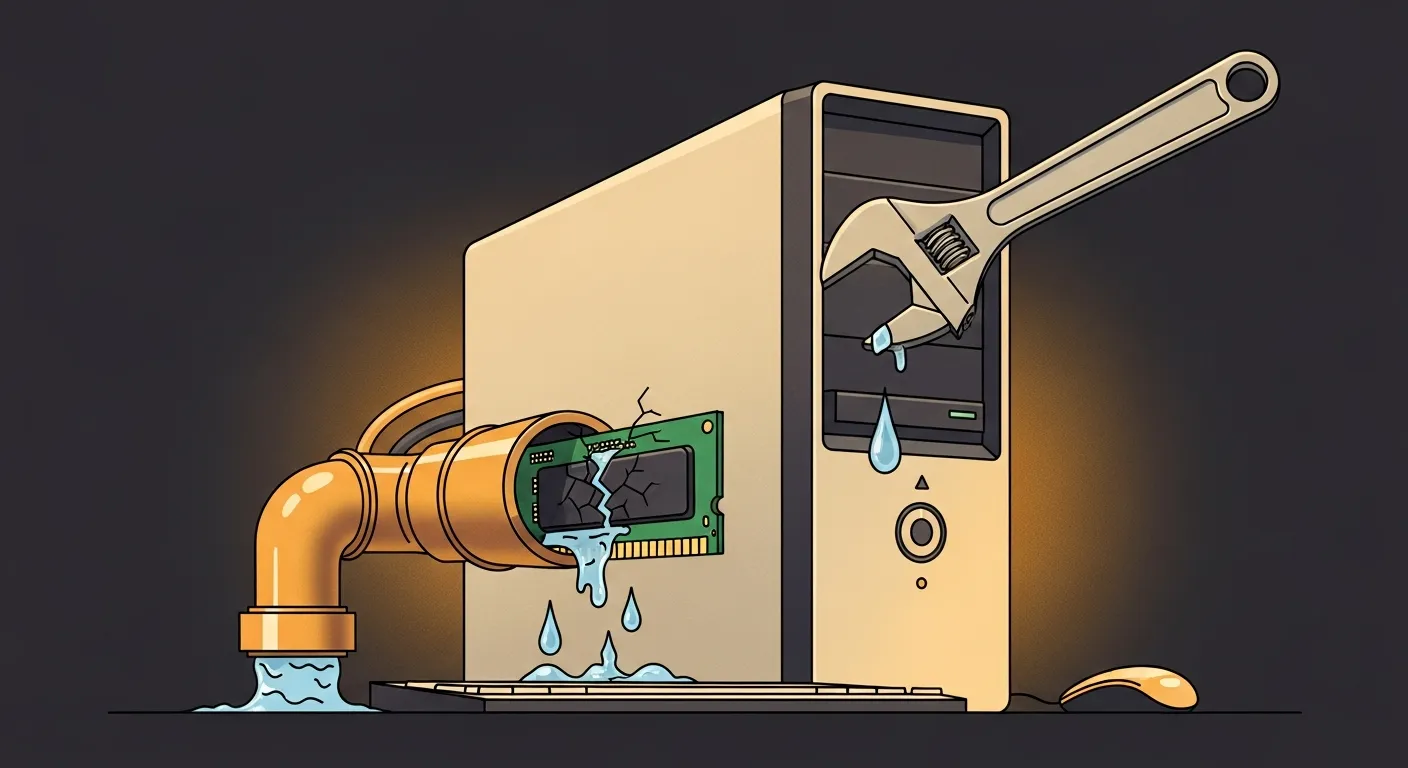
Microsoft pushed a bug fix update, PowerToys 0.100.2 on June 26, 2026, that resolves memory leaks in Command Palette and the Performance Monitor dock extension. A memory leak sounds technical, but the practical effect is simple: an app slowly eats up more and more RAM over time without releasing it. Your computer starts to feel sluggish, apps take longer to open, and eventually someone calls me saying their machine is “acting weird.”
Why this matters beyond one utility
The PowerToys fix itself isn’t a crisis. But it points to something I see constantly with small and mid-size businesses in New Jersey: shadow IT. That’s the stuff employees install on their own, outside of any formal approval or monitoring process.
PowerToys is pretty benign. But the same habit that leads someone to install PowerToys also leads them to install a sketchy PDF converter they found on Google, or a browser extension that hoovers up login credentials. When there’s no visibility into what’s running on your endpoints, you’re flying blind.
Plenty of businesses with 20 or 30 machines have no clear list of what is installed on them. That’s not unusual. It’s actually the norm for companies that haven’t invested in endpoint management.
What good endpoint management actually looks like
If you’re using Microsoft 365 Business Premium, you already have access to Intune, Microsoft’s device management platform. With Intune, you can see every app installed across your fleet, push updates, and set policies that restrict what users can install without approval. Most small businesses aren’t using it, even though they’re paying for it.
Windows Update for Business is another tool that’s often ignored. It lets you control when and how Windows updates roll out across your organization. Instead of updates hitting every machine randomly at 9 a.m. on a Monday, you can stagger them, test on a few machines first, and avoid the chaos of everyone rebooting at once.
For something like the PowerToys update, the fix will come through Windows Update or through the Microsoft Store depending on how it was installed. If you’re managing devices properly, you’d know which machines have it and confirm the update landed. If you’re not, you’re just hoping.
The practical checklist for a small business
Here’s what I’d actually recommend if you’re a business owner or IT manager reading this.
First, do an app audit. Pull a software inventory from your machines. If you’re using Intune, this takes about ten minutes. If you’re not, tools like Ninite or even a basic PowerShell script can give you a list. Know what’s running.
Second, make sure Windows Update is actually working. It sounds obvious, but machines go eight months without a Windows update because someone turned off automatic updates to stop the reboots. That’s a real exposure.
Third, if your team uses PowerToys or similar utilities, check that the latest version is installed. The memory leak patches in this update are the kind of thing that keeps machines running well over a full workday, especially on older hardware with 8GB of RAM.
None of this is complicated. It’s mostly about having a process and actually following through on it. The businesses with the fewest IT headaches aren’t running exotic tools. They’re just consistent about the basics.
If you’re not sure where your endpoints stand right now, Exine works with small and mid-size businesses across New Jersey and New York City to get that visibility in place and keep it there.