A Cloud Flaw That Should Get Your Attention
On July 30, 2026, security researchers at Wiz disclosed a serious vulnerability in Azure Cosmos DB, Microsoft’s cloud database service. The short version: an attacker could have crafted a malicious query, escaped the database sandbox, and potentially gained read and write access to databases belonging to completely different customers. Not just their own tenant. Anyone’s.
Microsoft patched it. Good. But the story doesn’t end there, especially if your business runs on Azure or Microsoft 365.
Why This Matters Even If You Don’t Use Cosmos DB
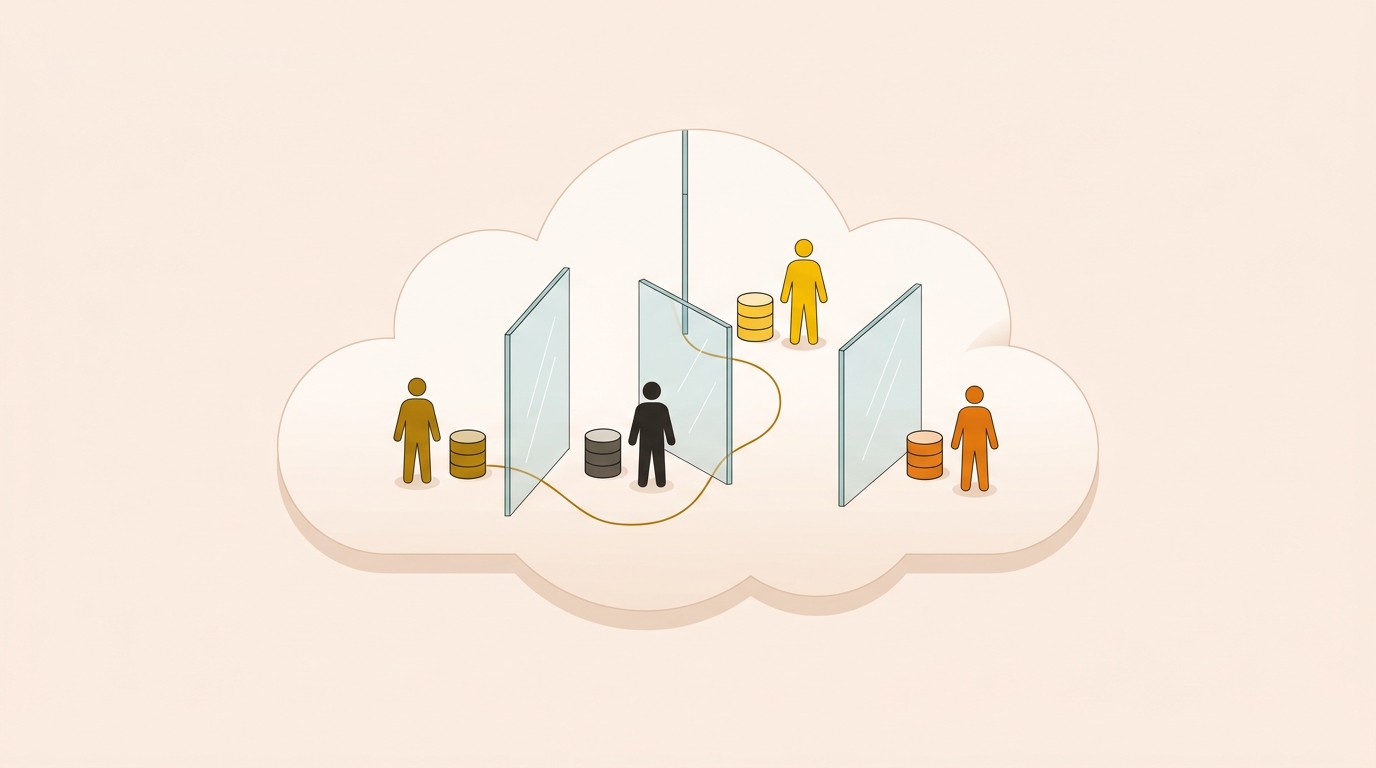
Most small businesses aren’t running Cosmos DB directly. But that’s almost beside the point. What this vulnerability illustrates is worth repeating: shared cloud infrastructure means your data sits in the same physical environment as thousands of other tenants. When a flaw exists at the platform level, the blast radius isn’t limited to one customer.
If your business uses Azure-hosted applications, any SaaS product built on Azure, or Microsoft 365 services with Azure backend components, you’re operating in that shared environment. You’re trusting Microsoft’s security controls to keep tenant boundaries intact. Most of the time, they do. But “most of the time” isn’t the same as “always.”
The Part That Actually Keeps Me Up at Night
The attack chain here started with a crafted query against a database the attacker already controlled. That’s a relatively low bar to clear. From there, researchers achieved code execution and moved laterally across tenant boundaries. That’s a sophisticated exploit, sure, but the entry point was mundane.
What worries me more than the technical details is how many small businesses assume that because they’re using a major cloud provider, security is just handled. It’s not. Microsoft secures the platform. You’re still responsible for how you configure it, who has access, and how you monitor for unusual activity.
What You Should Actually Do Right Now
Microsoft patched this one, so you don’t need to do anything specific to CosmosEscape. But use this as a forcing function to check a few things your team may have let slide.
First, review who has admin-level access to your Azure subscriptions and Microsoft 365 tenant. In plenty of small business environments three or four people hold global admin rights because it was easier than setting up proper roles. That’s a problem. Least-privilege access limits the damage when something goes wrong, whether it’s an external exploit or an insider mistake.
Second, make sure you have multi-factor authentication enforced across the board. Not just encouraged. Enforced. You can do this through Entra ID conditional access policies. If you’re not sure how to check, your IT person or MSP should be able to pull that report in about ten minutes.
Third, look at your logging and alerting. Azure Monitor and Microsoft Defender for Cloud both surface suspicious activity, but they don’t do anything useful if nobody is reviewing the alerts. A lot of small businesses have these tools partially configured and completely unwatched.
The Broader Pattern Worth Recognizing
This isn’t the first Azure-level vulnerability and it won’t be the last. Earlier research exposed issues in Azure Service Fabric, Azure Synapse, and other platform components. Cloud providers move fast and their attack surface is enormous. Researchers find things. Patches get issued. The cycle continues.
Your job as a business owner or IT manager isn’t to prevent Microsoft from having vulnerabilities. You can’t control that. Your job is to make sure your configuration, your access controls, and your monitoring are tight enough that when something does go wrong at the platform level, your exposure is as small as possible.
That means regular access reviews, enforced MFA, and someone actually watching your security alerts. Not a one-time checkbox. An ongoing practice.
A Concrete Starting Point
Pull your Azure Active Directory sign-in logs this week. Look for any accounts with global admin rights that don’t need them, and look for any sign-ins without MFA. Those two things alone will tell you a lot about where you stand.
If you want a second set of eyes on your Microsoft 365 or Azure configuration, Exine works with NJ and NYC businesses on exactly this kind of security review.