
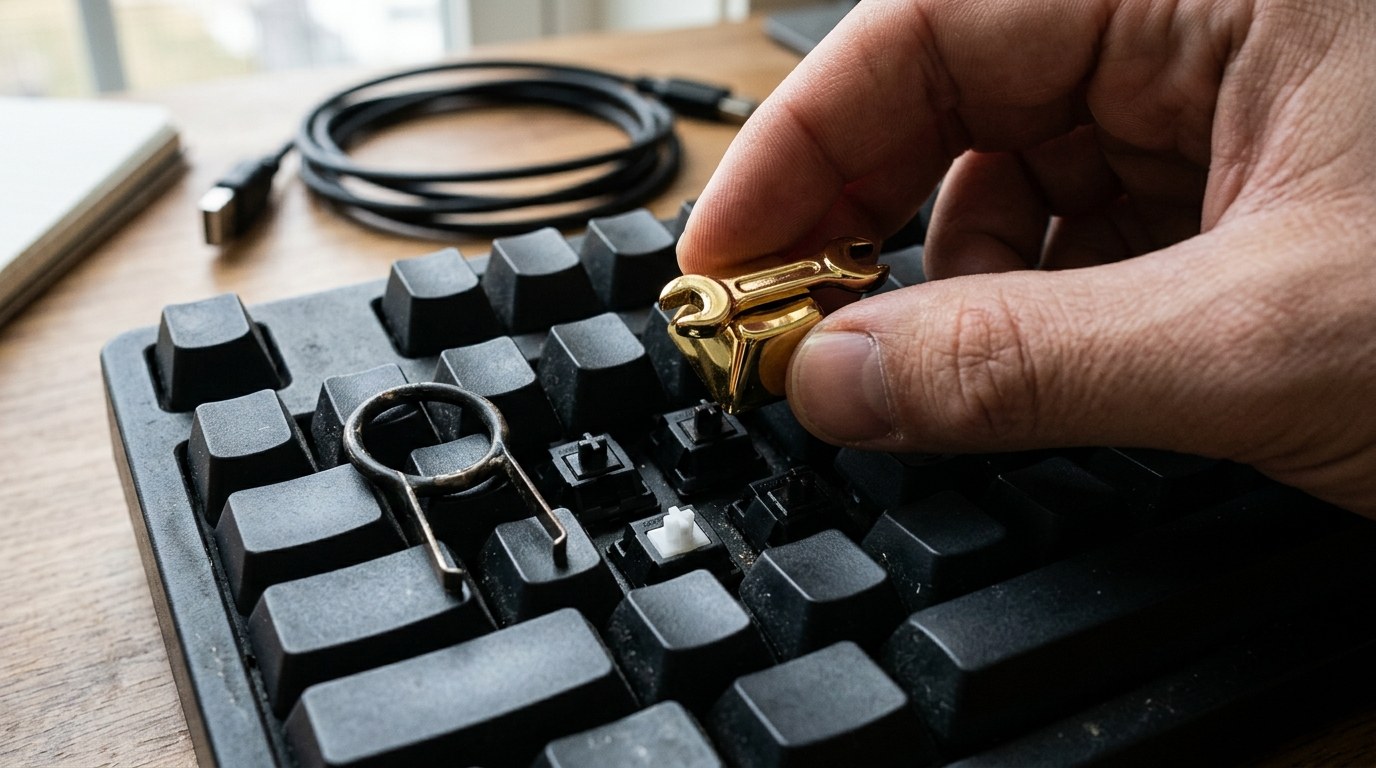
That Copilot Key Is Wasted Real Estate
If your team bought laptops in the last year or two, there’s a good chance each keyboard has a dedicated Copilot key sitting between Alt and the arrow keys. Most people hit it by accident in Excel and then ignore it forever. That’s a shame, because Microsoft has quietly made it remappable, and there are actually useful things you can do with it.
For small and mid-size businesses, this matters for one simple reason: your people are already on those machines. Getting even a small productivity boost out of hardware you’ve already paid for costs nothing extra. No new software licenses, no rollout project.
What Microsoft Changed and When
As of the Windows Latest writeup from October 2, 2026, Microsoft added native remapping support directly inside Windows 11 Settings. You go to Settings, then Bluetooth and devices, then Keyboard, and look for “Customize Copilot key on keyboard.” From there you can point it at Windows Search, a packaged app, or, starting with the September 2026 optional update KB5124010, the Right Ctrl or Context Menu key. Most machines will pick that up automatically with the October Patch Tuesday update.
That built-in option is enough for a lot of people. But if you want more control, Microsoft PowerToys is where things get interesting.
The PowerToys Route for More Control
PowerToys is free, available from the Microsoft Store, and already worth having on any Windows 11 machine for other reasons. Its Keyboard Manager lets you remap the Copilot key to almost anything. The key registers as Win + Shift + F23 when you press it, so PowerToys captures it cleanly.
A few remaps that actually make sense in a business context:
- Screenshots: Map it to Win + Shift + S for the built-in snipping tool. Useful for anyone who documents processes, sends support tickets, or annotates specs.
- Clipboard history: Map it to Win + V. If your team copies and pastes constantly, having one-button access to clipboard history saves real time.
- Microphone mute: Map it to Win + Alt + K. That mutes the mic in Teams and other apps that support Windows 11 call mute. No more scrambling for the on-screen button mid-meeting.
The steps are straightforward. Install PowerToys, open Keyboard Manager, click “Remap a shortcut” (not “Remap a key”), select the Copilot key under Physical Shortcut, then set your target under Mapped To. Click OK and it applies immediately.
One note: some apps like Discord won’t register Win + Shift + F23 as a valid keybind. If that happens, remap the Copilot key to a spare key like F24 in PowerToys first, then use that key in the app’s own keybind settings.
How to Think About This as a Manager
You don’t need to push a company-wide policy on this. It’s a per-user preference, and it takes five minutes. The better question is whether your IT setup even allows users to install PowerToys. If you’re managing devices through Intune or a similar MDM tool, PowerToys can be deployed from the Microsoft Store for Business or packaged as a Win32 app. That’s worth a quick check before employees start downloading things on their own.
Also, if you’re evaluating Copilot+ PC hardware right now, our earlier breakdown of whether Windows 11 Copilot features are actually useful or just RAM hungry is worth reading before you commit to a refresh cycle. And if you want broader context on where Microsoft’s AI direction is heading, the post on Microsoft’s AI OS plans and what they mean for small businesses covers that.
The short version: remap the key, pick something your team actually uses, and move on. It’s a five-minute fix with no downside. If you want help rolling out PowerToys or tightening up your device management policies, Exine’s IT assessment is a good starting point.
FAQ
Can I remap the Copilot key without installing any extra software?
Yes. Windows 11 has a built-in option under Settings, then Bluetooth and devices, then Keyboard. You can point the Copilot key at Windows Search, a packaged app, or, after the October 2026 Patch Tuesday update, the Right Ctrl or Context Menu key. No third-party tools needed.
What does the Copilot key actually send to Windows?
When you press the physical Copilot key, Windows registers it as Win + Shift + F23. That’s the signal PowerToys captures when you remap it. Some apps won’t recognize that combination directly, so you may need to remap it to a simpler key like F24 first.
Is Microsoft PowerToys safe to use on business laptops?
PowerToys is published by Microsoft, available through the Microsoft Store, and open source on GitHub. It’s widely used in business environments. If your devices are managed through Intune, you can deploy it centrally rather than having employees install it individually.
Will this remap survive a Windows Update?
Remaps made through PowerToys Keyboard Manager persist across Windows Updates. The settings are stored locally and don’t reset on patch installation. Built-in Settings remaps should also persist, but it’s worth verifying after major feature updates.